


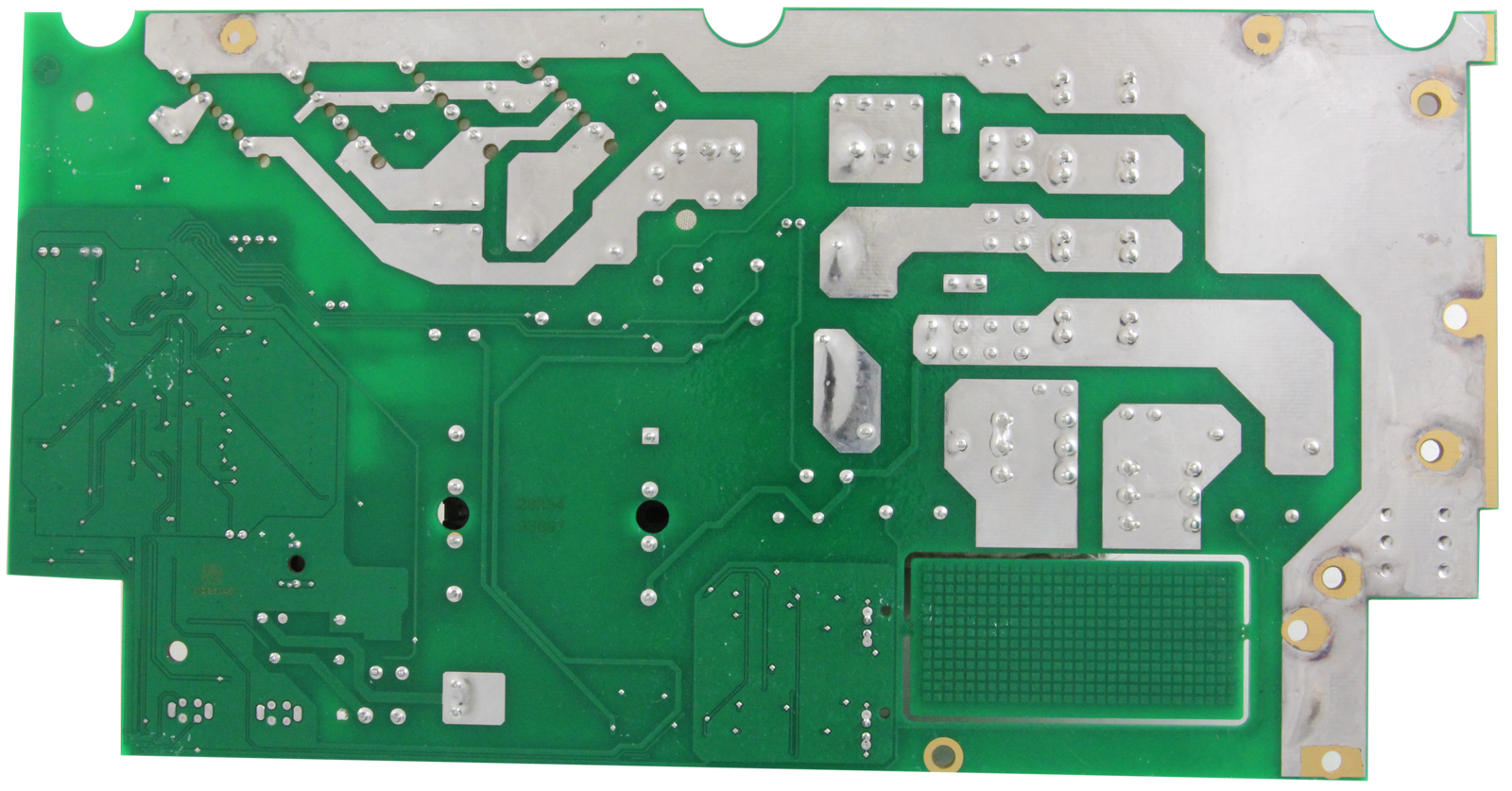

Balboa BP100UX Spa Circuit Board — G1310
$349.00
| Manufacturer part number | G1310 |
| Returns | 30-day returns – see our returns policy |
29 in stock
Fast dispatch
Order in
--:--:--
for shipping today
📥 Downloads & Resources
📄 Balboa BP100UX Tech Sheet (Official Manufacturer PDF) — Complete specifications, setup tables, wiring diagrams, DIP switch definitions, and fuse part numbers
💡 Balboa BP100UX Spa Circuit Board — G1310
Restore your hot tub with this versatile genuine replacement board for BP100-series spa control systems
⚡ Product Overview
The Balboa BP100UX Circuit Board (G1310) is a genuine Balboa Water Group main PCB designed as the universal replacement for the entire BP100 control board family. A single G1310 board consolidates three previously separate systems — the BP100G1, BP100G2, and BP100G3 — into one configurable platform with an optional user-installed expander board. The expander board mounting hardware is pre-installed on the board from the factory, giving technicians everything they need to add a pump or blower output without modifying the enclosure.
The BP100UX governs all core hot tub functions including single and two-speed pump operation, dedicated circulation pump filtration and polling, blower control, ozone, spa light, audio/visual output, and precise temperature management across dual Hi/Lo ranges. It supports both 240VAC and, uniquely among compact Balboa boards, 120VAC power input for Setups 5 through 7 — making it one of the most versatile replacement boards in the BP-series lineup.
Compatible with the full range of Balboa topside control panels from the simple TP200 series through the TP900 and all spaTouch® graphic display families, this board also supports Balboa Bluetooth Audio (bba™ and bba™2) and optional ControlMySpa Wi-Fi connectivity. Whether you are replacing a failed BP100G1, BP100G2, or BP100G3 board, the G1310 is the current genuine OEM replacement that covers all three.
🌟 Key Features
✅ Single Board Replaces Three Systems — The BP100UX (G1310) is the unified replacement for BP100G1, BP100G2, and BP100G3 spa control boards; one correct part number covers the entire BP100 family
✅ Dual Voltage Capability — Operates on 240VAC (Setups 1–6) or 120VAC (Setups 5–7 only), with built-in jumpers for heater voltage selection — highly versatile for both standard and plug-in spa configurations
✅ Expander Board Hardware Pre-Installed — Mounting hardware for the optional X-P (Pump 2) or X-B (Blower) expander board is factory-fitted to the board; no enclosure modifications required to add a pump or blower output
✅ Pump & Blower Expansion Ready — Supports optional X-P expander (PN 59232) for a 1-speed Pump 2 in Setups 1 & 2, and X-B expander (PN 59231) for a 1-speed Blower in Setups 3 & 4
✅ Dedicated Circulation Pump Output — 240VAC (or 120V), 2A max; programmable filtration cycles plus polling keep water clean and temperature accurate between user sessions
✅ 7 Software Setup Configurations — Covers circ/non-circ, 1-speed/2-speed Pump 1, Pump 2, and Blower combinations; shipped in Setup 6 by default and field-configurable via DIP switch and topside panel
✅ Wide Topside Panel Compatibility — Works with TP200T/W, TP400T/W, TP500, TP600, TP800, TP900, and all spaTouch™ graphic display families; supports Simplified Menu mode for TP400/500/600 panels
✅ Bluetooth Audio Ready — Supports bba™ (TP800/TP900/spaTouch) and bba™2 (TP800 v4.11+/spaTouch v2.0+) Balboa Bluetooth Amp integration
✅ Wi-Fi Connectivity Support — Optional ControlMySpa Wi-Fi module connects via J34 or J35; requires DIP switch A7 in OFF position (Standard Menus)
✅ UL Listed — UL System Models BP1-BP100UX-BU (5.5kW), BP1-BP100UX-BS (4.0kW), and BP1-BP100UX-B (remote heater)
✅ 1-Year Manufacturer Warranty — Backed by Balboa Water Group’s standard 1-year limited warranty on PCB components
📊 Technical Specifications
| Specification | Value |
|---|---|
| Our part number | G1310 |
| System model | BP1-BP100UX-BU (5.5kW), BP1-BP100UX-BS (4.0kW), BP1-BP100UX-B (remote heater) |
| System part number | 59293-01 (5.5kW 800 Incoloy), 59294-01 (4.0kW 800 Incoloy), 59295-01 (remote heater system, heater sold separately) |
| Main circuit board (PCBA) | 59499 |
| Software version | 52.0 |
| Supply voltage | 240VAC, 50/60Hz, 4-wire; 120/240VAC, 50/60Hz, 3- or 4-wire in Setups 5 – 7 only |
| Service / breaker rating | 48A Class A GFCI-protected service, 60A max breaker; 16/40A service, 20/50A max breaker in Setups 5 – 7; with a GFCI cord the breaker is 15A and service is limited to 12A |
| Heater output | 5.5kW @ 240VAC (approx 1.4kW @ 120VAC) or 4.0kW @ 240VAC (1.0kW @ 120VAC) |
| Pump 1 | 240VAC, 2-Speed, 12A max, 15-minute timer; 1-Speed in Setups 1, 3 & 5; unused in Setup 7 |
| Pump 2 | 240VAC, 1-Speed, 12A max, 15-minute timer; used in Setups 1 & 2 only |
| Circulation pump | 240VAC, 1-Speed, 2A max, programmable filtration cycles + polling |
| Blower | 240VAC, 1-Speed, 4A max, 15-minute timer; used in Setups 3 & 4 only |
| Ozone | 240VAC, .5A max; slaved to circ pump in circ setups and to Pump 1 Low in non-circ setups |
| Light | 10VAC On/Off, 1A max, 240-minute timer |
| Topside panels | spaTouch™2 any version, Icon spaTouch™ any version, Menued spaTouch™ any version, TP900 v3.1+, TP800 v3.1+, TP600 v2.7+, TP500 any version, TP400T US v2.7+, TP400W US v2.7+, TP200T any version, TP200W any version |
| Expander board | User-installed: 59232 (X-P) for Pump 2, 59231 (X-B) for Blower |
| Setup numbers | Setups 1 – 7 |
| Temperature scale | °F default, °C or °F selectable |
| Minimum Wire Gauge | #6 AWG copper, 90°C rated |
| Hi-Range Temperature | 80°F–104°F (26.7°C–40°C) |
| Lo-Range Temperature | 50°F–99°F (10°C–37.2°C) |
| Freeze Protection Threshold | 44°F (6.7°C) |
| Certifications | UL (System Models BP1-BP100UX-BU, BP1-BP100UX-BS, BP1-BP100UX-B) |
| Warranty | 1 Year (Balboa Water Group) |
| Physical Dimensions | Please refer to manufacturer documentation or contact Parts4Tubs |
| Operating Temperature Range | Please refer to manufacturer documentation or contact Parts4Tubs |
| Board Platform | BP100UX (replaces BP100G1, BP100G2, BP100G3) |
| Board Type | Main PCB / Control Board |
| Wiring Configuration (240V) | 4-wire: Hot, Hot, Neutral, Ground |
| Terminal Block Torque (TB1) | 27–30 in. lbs. |
| Heater Connection Torque | 30–35 in. lbs. |
| A/V (Stereo) Output | 120VAC, 3A max (always on) |
| Heater — 5.5kW Version | 5.5kW @ 240VAC (approx. 1.4kW @ 120VAC) |
| Heater — 4.0kW Version | 4.0kW @ 240VAC (1.0kW @ 120VAC) |
| Heater Flow Requirement | Minimum 20 GPM through heater |
⚠️ US Voltage Note: This is a North American UL-listed board. The 240VAC input is standard for Setups 1–6. The 120VAC option applies to Setups 5–7 only and requires specific wiring changes and jumper adjustments. Always verify your spa’s electrical configuration before ordering.
⚠️ Voltage Rule: Pump 1, Circ Pump, and Ozone MUST all be the same voltage — all 240VAC or all 120VAC.
🔧 Exploded diagram and parts
This part belongs to the Balboa BP100 Kits, Topsides, Parts & Accessories assembly. Everything listed below is something we stock for it.

Adapter Plates


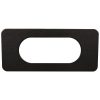

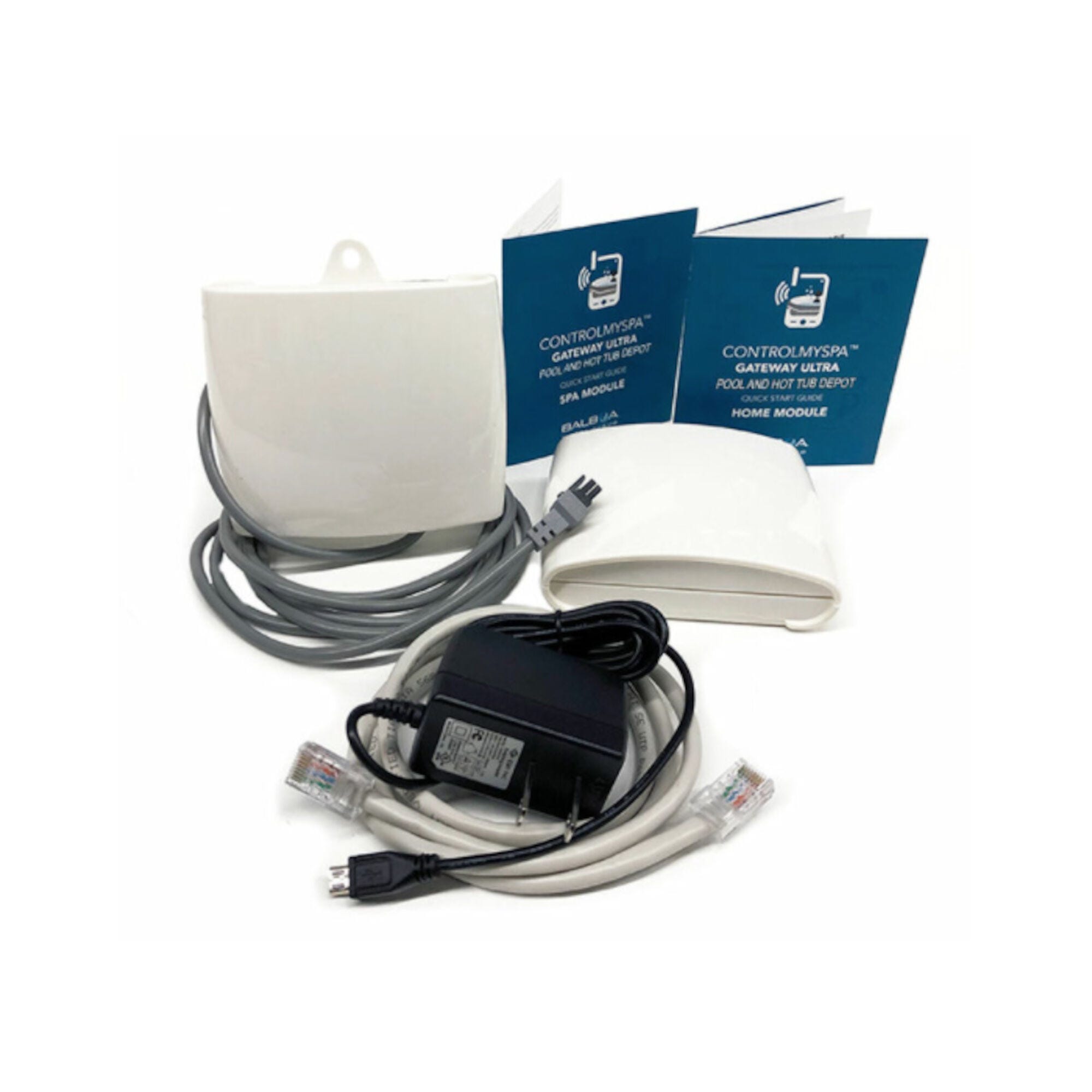


Cords
| Part | Our part number | Availability | Price | ||
|---|---|---|---|---|---|
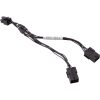 |
Y Splitter, Balboa Water Group, Aux Panel, 6-Pin Molex | 25257 | 104 in stock | $14.95 | Add to cart |
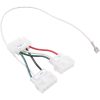 |
Balboa Cable 25801 | 25801 | 20 in stock | $22.10 | Add to cart |
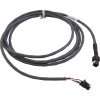 |
Topside Extension Cable, BWG BP Series, 4 Pin, Molex, 7ft. | 25662 | 48 in stock | $42.02 | Add to cart |
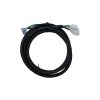 |
1 Speed Pump / Blower / AMP Cord | 21086 | 307 in stock | $24.71 | Add to cart |
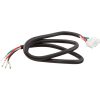 |
Pump Cord, H-Q, 14/4 x 31, AMP-4 Male (R/B/W with G) | 30-1001C | 61 in stock | $12.11 | Add to cart |
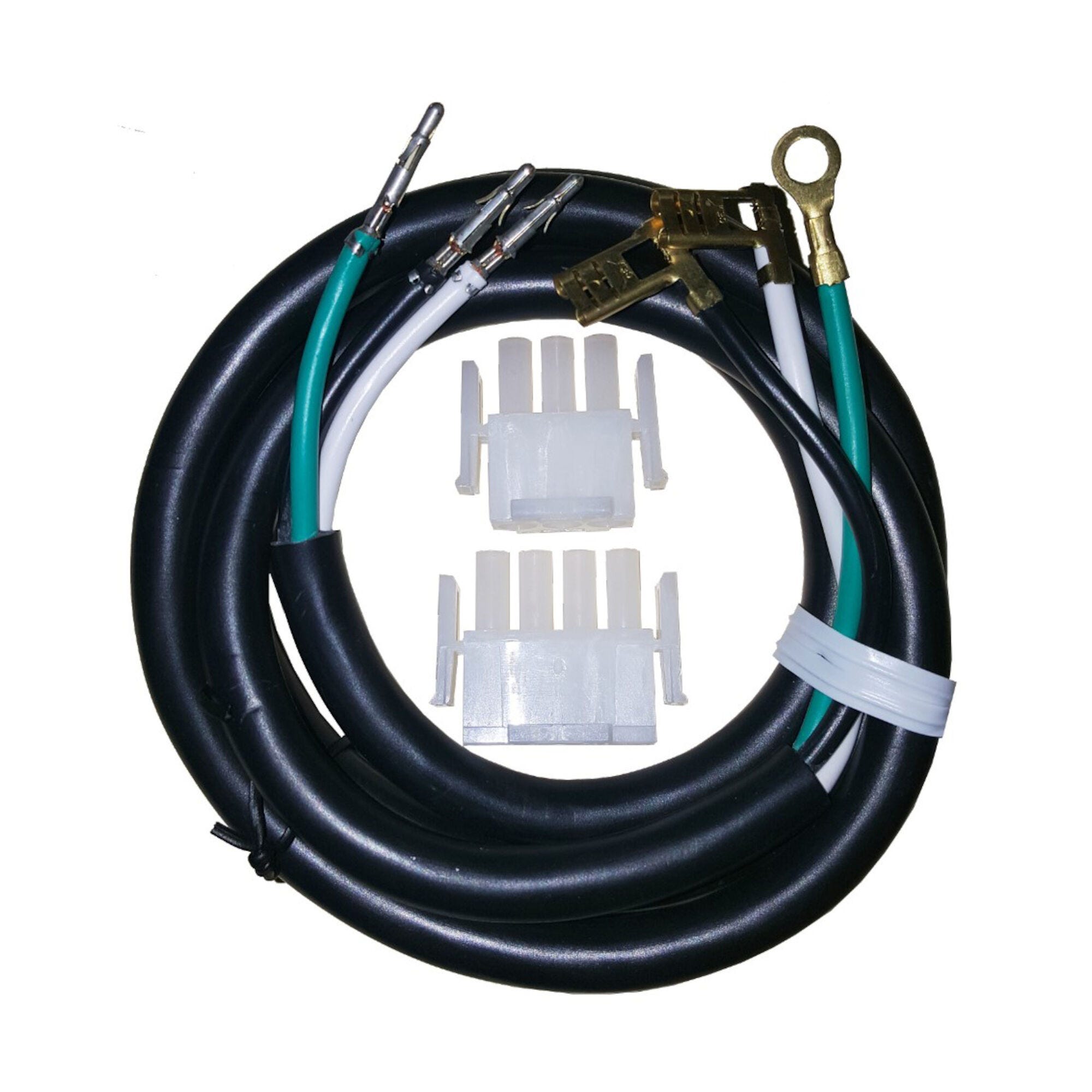 |
HydroQuip Cord 30-0324-72 | 30-0324-72 | 33 in stock | $24.81 | Add to cart |
 |
Balboa 25' Extension Cable 25662-1 (BP Series) | 25662-1 | 35 in stock | $82.71 | Add to cart |
 |
HydroQuip Adapter Y Amp Cable 48-0044A | 48-0044A | 4 in stock | $20.00 | Add to cart |
Complete overlays
| Part | Our part number | Availability | Price | ||
|---|---|---|---|---|---|
 |
Overlay, Balboa Water Group, SpaTouch1, Trapezoid | 12966 | 7 in stock | $22.75 | Add to cart |
 |
6 Button Balboa TP500 Keypad Overlay 17183 | 17183 | 136 in stock | $22.75 | Add to cart |
 |
5 Button Balboa TP500 Keypad Overlay 17284 | 17284 | 16 in stock | $22.75 | Add to cart |
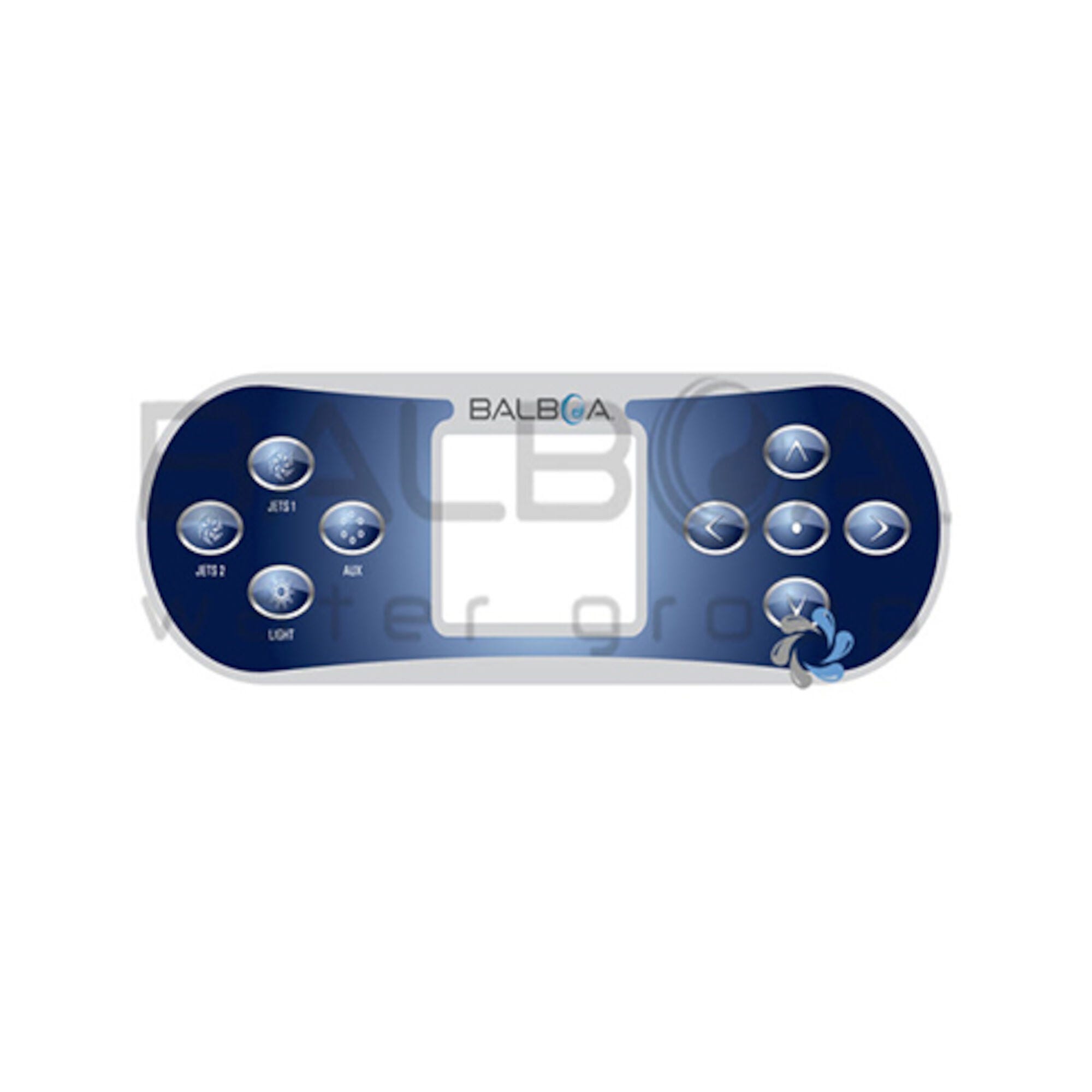 |
4 Button Balboa TP800 Keypad Overlay 12512 | 12512 | 19 in stock | $39.68 | Add to cart |
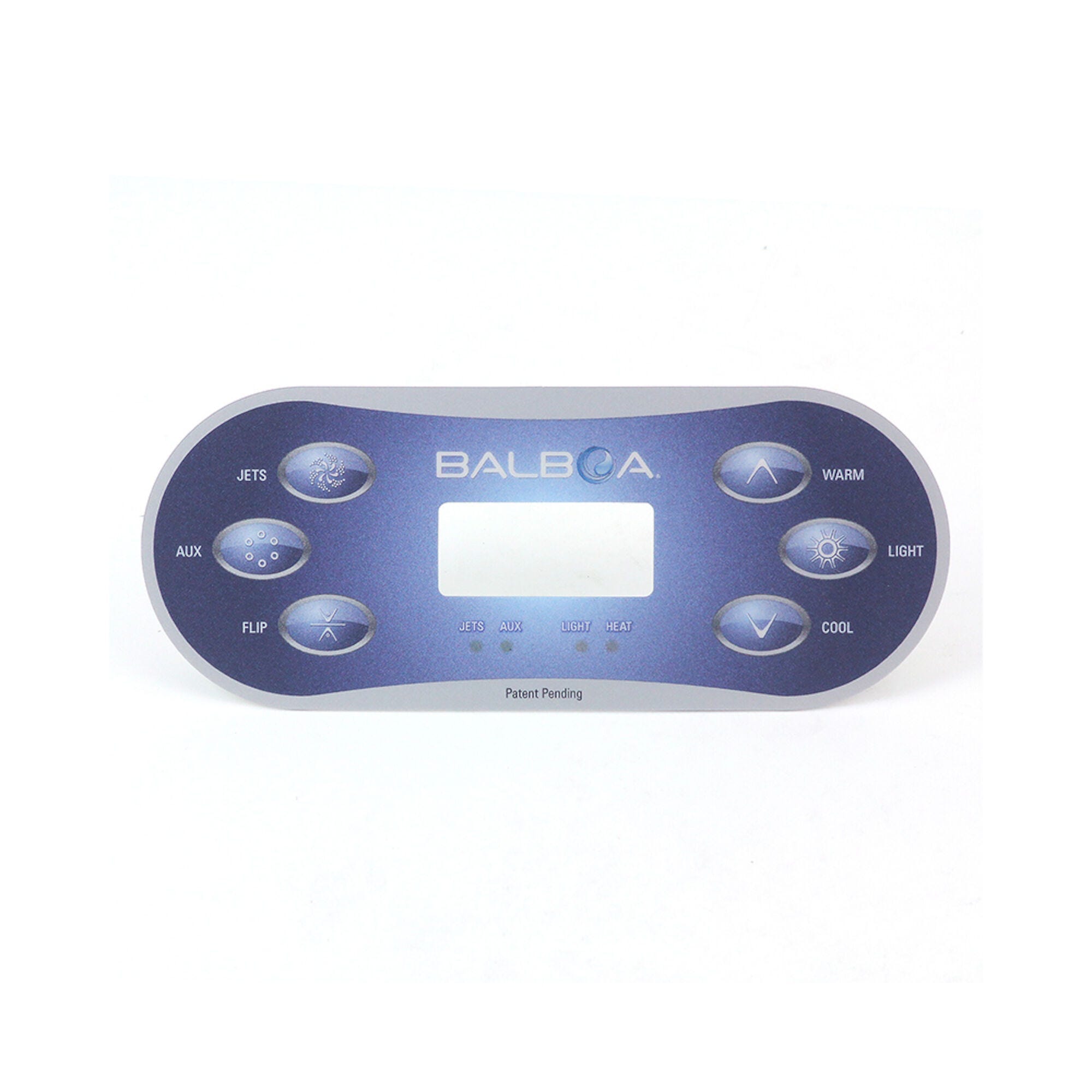 |
6 Button Balboa TP Series Keypad Overlay 12101 | 12101 | 67 in stock | $22.75 | Add to cart |
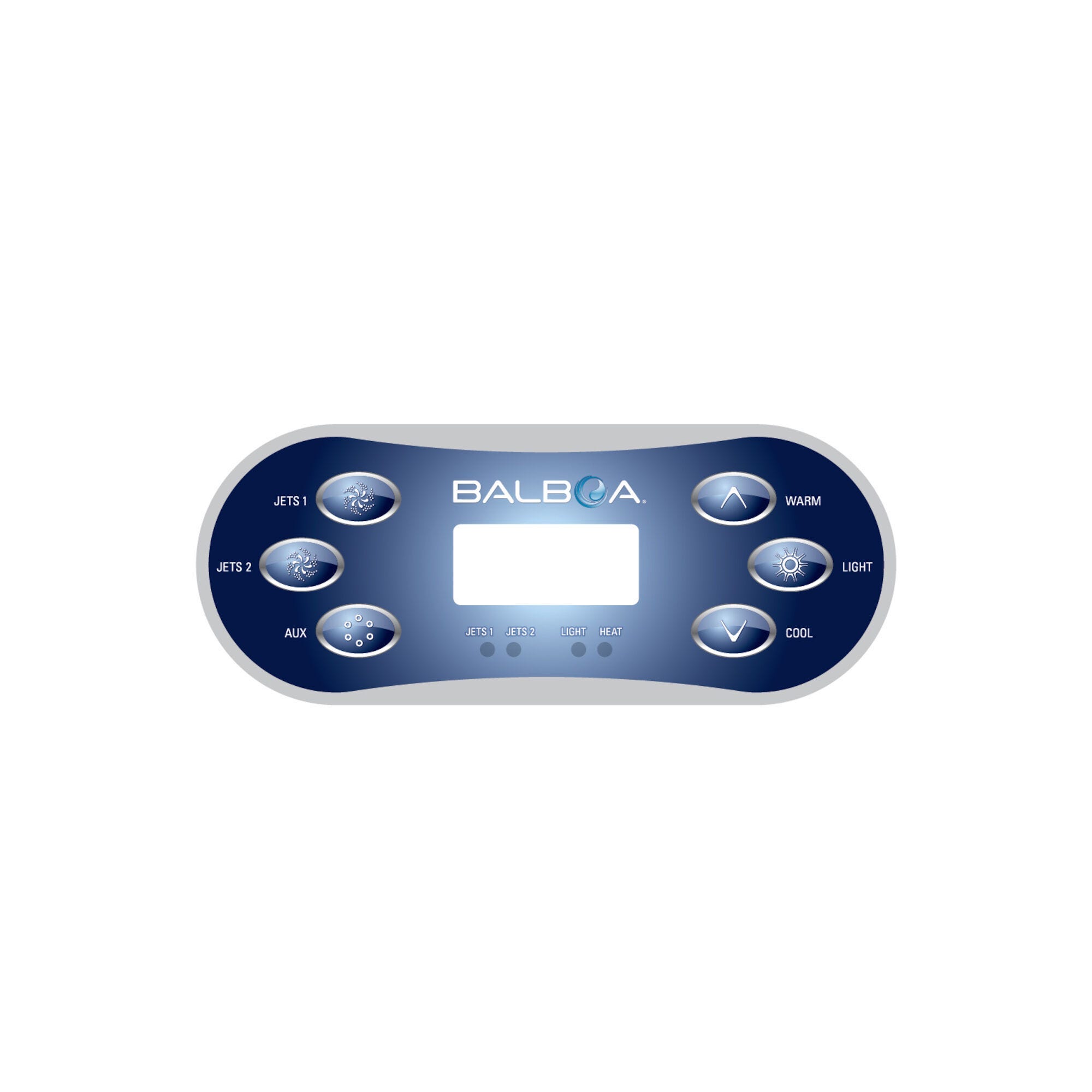 |
6 Button Balboa TP600 Keypad Overlay 12762 | 12762 | 203 in stock | $22.75 | Add to cart |
Complete controls
| Part | Our part number | Availability | Price | ||
|---|---|---|---|---|---|
 |
Control, BWG BP100G2, P1, P2, with 4.0kW Heater, TP200T | G6402-03 | In stock | $416.64 | Add to cart |
 |
Control, BWG BP100G2, P1, P2, with 4.0kW Heater, TP260T | G6422-01 | In stock | $404.25 | Add to cart |
 |
Control, BWG BP100G2, P1, P2, w/ 4.0kW Remote Heater, TP200T | G6412-03 | In stock | $421.25 | Add to cart |
Complete control onlys
| No. | Part | Our part number | Availability | Price | ||
|---|---|---|---|---|---|---|
| 1 |  |
Control Only, BWG BP100G2, P1, P2, with 4.0kW Heater | G4310-02 | In stock | $345.84 | Add to cart |
Parts that go with this
Show 8 companion parts we stock
| Part | Our part number | Availability | Price | ||
|---|---|---|---|---|---|
 |
Balboa TP200T Topside Control Panel (4-Button, Without Overlay) — Compatible with Balboa BP Series Spa Packs | G8421 | 32 in stock | $149.00 | Add to cart |
 |
Balboa TP540 Topside Control Panel (6-Button, Without Overlay) — Compatible with Balboa BP Series Spa Packs | G8454 | 32 in stock | $189.00 | Add to cart |
 |
Balboa TP200W Topside Control Panel (4-Button, Without Overlay) — Compatible with Balboa BP Series Spa Packs | G8420 | 13 in stock | $149.00 | Add to cart |
 |
Topside, BWG TP600, Jets/Jets/Aux/Warm/Light/Cool, LCD | 50335KIT | 125 in stock | $160.17 | Add to cart |
 |
Topside, BWG TP600, Jets/Aux/Flip/Warm/Light/Cool, LCD | 55673KIT | 42 in stock | $160.17 | Add to cart |
 |
Balboa Temp/Hi-Limit Sensor 32016 | 32016 | 356 in stock | $33.59 | Add to cart |
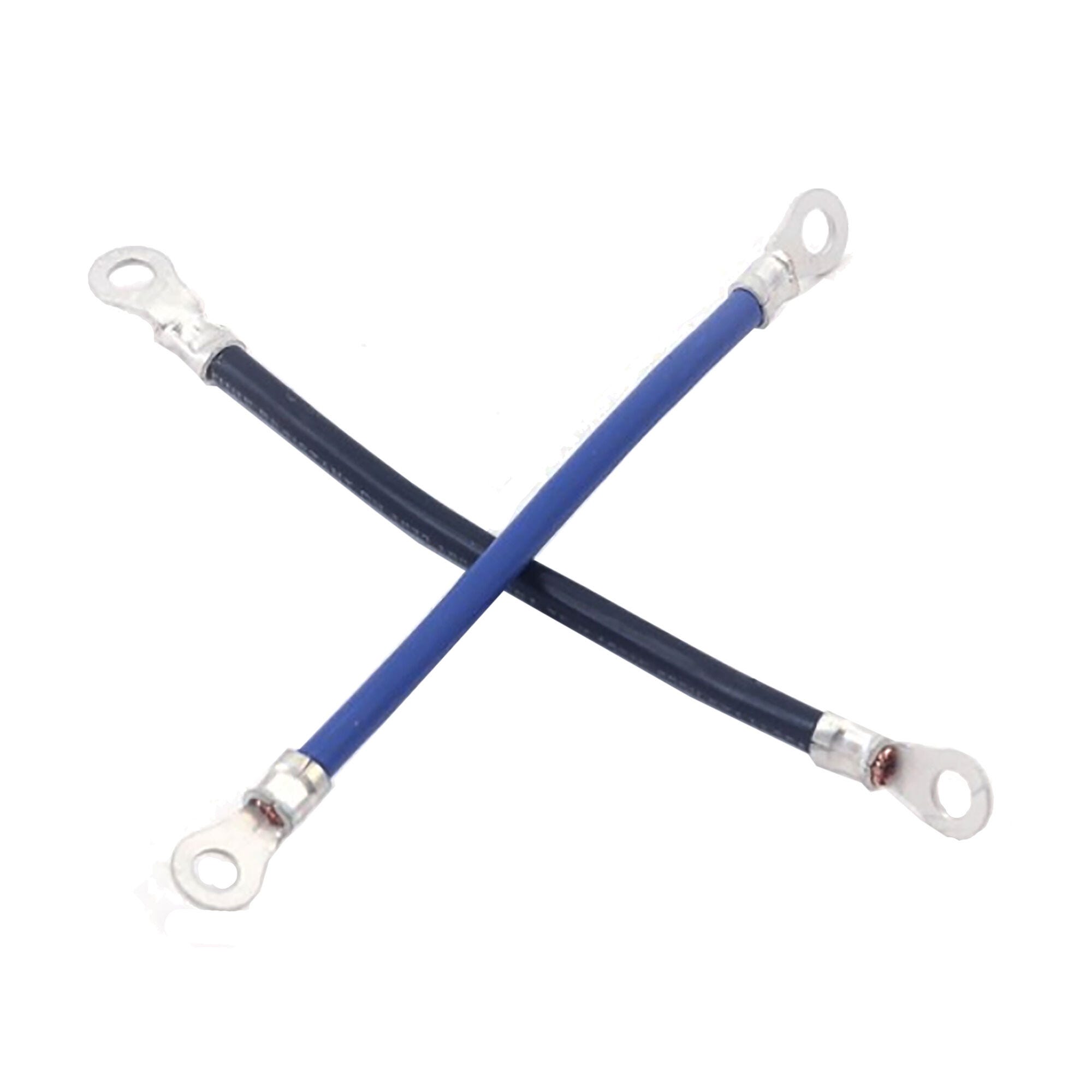 |
Hydro-Quip Heater Cables 48-0023 | 48-0023 | 127 in stock | $6.98 | Add to cart |
 |
Balboa X-P Expander Board — G1900 — Genuine 1-Speed Pump Daughter Board | G1900 | In stock | $99.97 | Add to cart |
Commonly replaced parts
Parts commonly replaced on this item that we stock.
| Part | Our part number | Availability | Price | ||
|---|---|---|---|---|---|
 |
Fuse, Slow Blow, Balboa Water Group, 1A, 250VAC, 5MM x 20MM | 26983 | In stock | $2.61 | Add to cart |
 |
Fuse, Slow Blow, Balboa Water Group,160MA,250VAC,5MM x 20MM | 26982 | In stock | $2.61 | Add to cart |
🔗 Compatibility Guide
Systems This Board Replaces
| System | Description |
|---|---|
| BP100G1 | Earlier BP100 single-board configuration |
| BP100G2 | BP100 system with pump expander support |
| BP100G3 | BP100 system variant |
| BP100UX | Current unified platform (direct match) |
Cross-Reference Part Numbers
| Part Number | Description |
|---|---|
| G1310 | Balboa Water Group — current main PCB part number |
| G4311 | System kit variant |
| 59499 | Main PCBA replacement number |
| 59293 / 59293-01 | Complete system — 5.5kW 800 Incoloy integral heater |
| 59294 / 59294-01 | Complete system — 4.0kW 800 Incoloy integral heater |
| 59295 / 59295-01 | Complete system — Remote heater (heater sold separately) |
| 59494 | System variant reference |
| 33-59494-K | Kit variation |
Compatible Topside Control Panels
| Panel | Minimum Version |
|---|---|
| spaTouch™2 | Any version (v2.0+ for bba™2) |
| Icon spaTouch™ | Any version (v3.36+ for bba™2) |
| Menued spaTouch™ | Any version (v2.8+ for bba™2) |
| TP900 | Version 3.1+ (v3.13+ for bba™) |
| TP800 | Version 3.1+ (v3.13+ for bba™; v4.11+ for bba™2) |
| TP600 | Version 2.7+ (v2.12+ for bba™/bba™2 menu control) |
| TP500 | Any version |
| TP400T (US) | Version 2.7+ (v2.12+ for bba™/bba™2 menu control) |
| TP400W (US) | Version 2.7+ (v2.12+ for bba™/bba™2 menu control) |
| TP200T | Any version |
| TP200W | Any version |
⚠️ Panel note: TP800 is not supported in Setup 7. TP600 is not supported in Setup 7. Do not use graphic panels (TP800, TP900, spaTouch™) with Simplified Menus (DIP Switch A7 ON).
⚠️ Always verify your existing board’s part number before ordering. Do not select a replacement board based on appearance — many Balboa boards look similar but contain different software.
🎛️ Board Functions & Controls
Pump Control
| Output | Connector | Setup Availability | Voltage | Rating |
|---|---|---|---|---|
| Pump 1 (2-Speed) | J9 | Setups 2, 4, 6 | 240VAC | 12A max |
| Pump 1 (1-Speed) | J9 | Setups 1, 3, 5 | 240VAC | 12A max |
| Pump 1 (unused) | — | Setup 7 only | — | — |
| Pump 2 (1-Speed) | J4 via X-P expander | Setups 1 & 2 only | 240VAC | 12A max |
| Blower (1-Speed) | J3 via X-B expander | Setups 3 & 4 only | 240VAC | 4A max |
| Circ Pump | J19 | Setups 1, 3, 5, 7 | 240VAC (or 120V) | 2A max |
Heater Control
| Feature | Specification |
|---|---|
| Heater Type | Balboa Incoloy electric element (800 Incoloy) |
| 5.5kW Version | 5.5kW @ 240VAC; Heater PN 58421 (integral) |
| 4.0kW Version | 4.0kW @ 240VAC; Heater PN 58426 (integral) |
| Remote Heater | Sold separately; see system PN 59295-01 |
| Hi-Range Set Temp | 80°F–104°F (26.7°C–40°C); default 100°F |
| Lo-Range Set Temp | 50°F–99°F (10°C–37.2°C); default 70°F |
| Hi-Limit Protection | Built-in via Sensor A and Sensor B |
| Dry Heater Protection | Built-in detection circuit |
| Minimum Flow | 20 GPM through heater |
| Heater Torque | 30–35 in. lbs. at heater connections |
Additional Outputs
| Function | Connector | Specification |
|---|---|---|
| Spa Light | J15 | 10VAC, 1A max, 240-minute auto-timer |
| Ozone | J21 | 0.5A max; slaved to circ pump (circ setups) or P1 Low (non-circ) |
| A/V (Stereo) | J33 | 120VAC, 3A max, always on |
| Wi-Fi Module | J34 or J35 | Optional ControlMySpa module |
| Freeze Protection | Automatic | 44°F threshold; pumps rotate at lowest speed |
Setup Reference Table
| Setup # | Circ Pump | Pump 1 | Pump 2 | Blower | Expander Needed | Notes |
|---|---|---|---|---|---|---|
| 1 | Filtration + Polling | 1-Speed | 1-Speed | — | X-P (PN 59232) | Circ is heater pump |
| 2 | — | 2-Speed | 1-Speed | — | X-P (PN 59232) | P1 is heater pump |
| 3 | Filtration + Polling | 1-Speed | — | 1-Speed | X-B (PN 59231) | Circ is heater pump |
| 4 | — | 2-Speed | — | 1-Speed | X-B (PN 59231) | P1 is heater pump |
| 5 | Filtration + Polling | 1-Speed | — | — | None | 120V capable |
| 6 | — | 2-Speed | — | — | None | Default shipped setup; 120V capable |
| 7 | Filtration + Polling | — | — | — | None | Circ pump only; 120V capable |
DIP Switch Functions
| Switch | OFF Position | ON Position |
|---|---|---|
| A1 | Test Mode OFF | Test Mode ON |
| A2 | No 1 HS pump with heater | Add 1 high-speed pump with heater |
| A3 | No 2 HS pumps with heater | Add 2 high-speed pumps with heater |
| A4 | 1-min heater cooldown (electric) | 5-min heater cooldown (gas) |
| A5 | Special Amperage Rule A | Special Amperage Rule B |
| A6 | Persistent memory retained | Persistent memory reset on power-up |
| A7 | Standard Menus (compatible with all panels) | Simplified Menus (TP400/500/600 only — NOT with graphic panels) |
🔧 Installation Requirements
⚠️ IMPORTANT: All electrical work must be performed by a licensed electrician in compliance with the National Electrical Code (NEC) Article 680 and all applicable local codes.
Pre-Installation Checklist
- [ ] Confirm the existing board is a BP100G1, BP100G2, BP100G3, or BP100UX system
- [ ] Note the current Setup number from the label inside the system lid
- [ ] Confirm heater size (4.0kW or 5.5kW) and whether it is an integral or remote heater
- [ ] Confirm supply voltage (120V or 240V) — especially for Setups 5–7
- [ ] Disconnect ALL power at the circuit breaker and GFCI before beginning
- [ ] Photograph all wiring and connector positions before removing the old board
- [ ] Allow capacitors to discharge — wait at least 5 minutes after power-off
Electrical Requirements
| Requirement | Specification |
|---|---|
| Supply Voltage (standard) | 240VAC / 60Hz |
| Supply Voltage (120V option) | 120VAC — Setups 5–7 ONLY |
| Circuit Breaker (240V) | 60A maximum |
| Circuit Breaker (120V, wall-mount GFCI) | 20A maximum |
| Circuit Breaker (120V, GFCI cord) | 15A (service limited to 12A) |
| GFCI Protection | Class A GFCI required — NEC Article 680-42 |
| Ground Connection | Equipment grounding and bonding required — NEC Article 680 |
| Bonding Conductor | Solid copper to all metal within 5 ft of spa |
| Minimum Wire Gauge | #6 AWG copper, 90°C rated |
| Dedicated Circuit | Required |
| Disconnect | Within line of sight of spa, at least 5 ft from water (NEC) |
| Terminal Torque | TB1: 27–30 in. lbs.; Heater connections: 30–35 in. lbs. |
Key Jumpers
| Jumper | Function |
|---|---|
| J24 | Center pins = 240V heater; outer pins = 120V heater |
| J31 | 1 pin = 120V heater; 2 pins = 240V heater |
| J109 | GFCI Test/Trip Enable/Disable |
⚠️ Critical: J24 and J31 must both be set correctly for the heater voltage. F3 fuse must also be changed: 0.1A for 240V heater, 0.16A for 120V heater. Always set DIP Switches A2 and A3 to OFF when using 120VAC configuration.
💡 Tip: Write the Setup number on the label inside the system lid using a permanent marker — essential for any future service.
⚠️ Safety Warnings
Electrical Safety:
- ⚠️ ALWAYS disconnect ALL power at the breaker and GFCI before touching any wiring
- ⚠️ Installation MUST be performed by a licensed electrician only
- ⚠️ Verify supply voltage (120V or 240V) matches the selected setup before connecting
- ⚠️ Class A GFCI protection is mandatory per NEC Article 680-42
- ⚠️ Use copper conductors ONLY — no aluminum wiring
- ⚠️ A dedicated circuit and disconnect within line of sight of the spa are required by NEC
- ⚠️ Never operate spa with covers removed from the electrical control enclosure
Board-Specific Warnings:
- ⚠️ Pump 1, Circ Pump, and Ozone MUST all be the same voltage — mixing voltages will cause damage
- ⚠️ Do NOT use graphic panels (TP800, TP900, spaTouch™) with Simplified Menus (DIP A7 ON)
- ⚠️ Setups 1–4 require an expander board (X-P or X-B); do NOT run these setups without the appropriate expander installed
- ⚠️ Jumpers J24 and J31 AND fuse F3 must all be set correctly for the heater voltage
- ⚠️ Setting DIP switches incorrectly may cause abnormal system behavior or component damage
Post-Installation:
- ⚠️ Run Priming Mode and verify all pumps are primed before heater activation
- ⚠️ Test GFCI function, hi-limit sensor, and freeze protection before first use
- ⚠️ Check topside display for error codes on initial startup
🔍 Error Codes & Troubleshooting
Common Topside Messages
| Code | Meaning | First Action |
|---|---|---|
| dr | Heater may be dry — will retest | Check water level, filter, valves, pump prime, flow rate |
| drY / dY | Verified dry heater — spa disabled | Resolve flow issue; press any button to reset |
| CFE / CONFIG ERROR | DIP switch configuration conflict | Check DIP switch settings match equipment; A7 must be OFF with graphic panels |
| CrC / CHKSUM FAIL | Firmware checksum error at power-up | Power off/on; if repeated, contact dealer |
| – – – | Water temperature unknown | Normal — wait 2 minutes with heater pump running |
| Sn / SN | Sensor fault | Check sensor connections; swap Sensor A and B to isolate fault |
Troubleshooting Quick Reference
| Symptom | Likely Cause | First Step |
|---|---|---|
| Nothing operates | Breaker off / GFCI tripped | Reset breaker and GFCI |
| No heat | Low flow, wrong setup, or wrong voltage | Check filter, water level, heater voltage jumpers, Setup selection |
| GFCI trips immediately | Wiring fault or improper GFCI install | Contact licensed electrician |
| Pump 2 not responding | X-P expander not installed or wrong setup | Verify Setup 1 or 2 is selected; confirm X-P expander (59232) is installed |
| Blower not responding | X-B expander not installed or wrong setup | Verify Setup 3 or 4 is selected; confirm X-B expander (59231) is installed |
| Display shows “T” after temp reading | Test Mode active (DIP Switch A1 ON) | Move A1 to OFF to exit Test Mode |
| Panel menus not working as expected | A7 Simplified Menus set on graphic panel | Turn A7 to OFF for use with TP800/TP900/spaTouch™ |
⚠️ Always refer to the official Balboa BP100UX Tech Sheet for complete diagnostic procedures. Contact Parts4Tubs technical support for additional assistance.
🎯 Ideal Applications
| Application | Suitability | Notes |
|---|---|---|
| ♨️ Replacing failed BP100G1 board | ✅ Direct replacement | Configure setup to match existing equipment |
| ♨️ Replacing failed BP100G2 board | ✅ Direct replacement | Configure setup to match existing equipment |
| ♨️ Replacing failed BP100G3 board | ✅ Direct replacement | Configure setup to match existing equipment |
| ♨️ Replacing failed BP100UX board | ✅ Exact replacement | Match to existing Setup number |
| ♨️ Spa with 1-pump and circ setup | ✅ Setup 1 or 5 | X-P expander needed in Setup 1 |
| ♨️ Spa with 1-pump, no circ (standard 240V) | ✅ Setup 6 (default) | No expander needed |
| ♨️ Spa with 2 pumps | ✅ Setups 1 or 2 with X-P expander | X-P (PN 59232) must be installed |
| ♨️ Spa with pump + blower | ✅ Setups 3 or 4 with X-B expander | X-B (PN 59231) must be installed |
| ♨️ 120V plug-in portable spa | ✅ Setups 5, 6, or 7 only | Requires specific wiring and jumper changes |
| ♨️ Spa with ControlMySpa Wi-Fi | ✅ Supported | Wi-Fi module connects to J34 or J35; A7 must be OFF |
❓ Frequently Asked Questions
Q: How do I know if this board fits my spa? A: Check your existing board’s part number against the compatibility list. If your board shows BP100G1, BP100G2, BP100G3, or BP100UX, or any of the system numbers (59293, 59294, 59295, 59499), the G1310 is the correct replacement. Contact Parts4Tubs with your system label if unsure.
Q: Is this an OEM or aftermarket board? A: This is a genuine OEM Balboa Water Group circuit board. The BP100UX was specifically designed by Balboa as the universal replacement for the entire BP100 board family.
Q: What is the difference between the 5.5kW and 4.0kW versions? A: The heater output capacity differs, but the main PCBA (G1310 / 59499) is the same for both. The heater assembly itself and the F3 fuse rating may differ. When ordering just the replacement circuit board (G1310), the board itself is the same; you need to retain your existing heater and configure the jumpers (J24, J31) to match it.
Q: Do I need a licensed electrician to install this? A: Yes. NEC Article 680 requires a licensed electrician for all spa electrical work in most US jurisdictions. A permit may also be required. Incorrect installation can cause fire, electrocution, or equipment damage.
Q: My spa ran on 120V — does this board support that? A: Yes, but only for Setups 5, 6, and 7. When configured for 120VAC, specific wiring changes are required, DIP Switches A2 and A3 must be OFF, jumpers J24 and J31 must be moved to 120V positions, and fuse F3 must be changed to the 0.16A slow-blow version (supplied with the system). Contact Parts4Tubs to confirm your setup is compatible.
Q: What is the difference between Setups 5 and 6? A: Both support 120V operation with a single 2-speed (Setup 6) or 1-speed (Setup 5) Pump 1 and no expander. The key difference is that Setup 5 includes a dedicated circulation pump for filtration and polling, while Setup 6 uses Pump 1 low-speed for heating with no circ pump.
Q: Do I need to purchase the expander board separately? A: If your spa uses two pumps or a blower (Setups 1–4), yes — you need to purchase the appropriate expander board: X-P (PN 59232) for Pump 2 or X-B (PN 59231) for a blower. The G1310 board comes with the mounting hardware pre-installed, but the expander board itself is a separate purchase. If your spa only uses a single pump with no blower (Setups 5–7), no expander is needed.
Q: Will my existing topside panel work with this board? A: Compatible panels include all TP200, TP400, TP500, TP600, TP800, TP900, and spaTouch™ series panels. If using graphic panels (TP800, TP900, spaTouch™), ensure DIP switch A7 is set to OFF (Standard Menus). Contact Parts4Tubs with your topside model if uncertain.
Q: What warranty is included? A: Balboa Water Group provides a 1-year limited warranty against defects in materials and workmanship from the date of purchase. Contact Parts4Tubs for warranty claim assistance.
Q: What if I get error codes after installation? A: The most common post-installation issues involve incorrect setup selection, jumper configuration, or voltage mismatches. Verify Setup number, J24/J31 jumper positions, DIP switch settings (especially A2/A3 for 120V systems), and sensor connections. Contact our technical support team for guided troubleshooting.
🏆 Why Choose the Balboa BP100UX (G1310)?
✅ One Board Covers All Three BP100 Generations — Eliminates the need to identify whether you have a G1, G2, or G3 board; the G1310 is the correct replacement for all of them
✅ Factory-Fitted Expander Mounting Hardware — The board ships ready to accept the optional X-P or X-B expander; no drilling or enclosure modification needed
✅ Dual Voltage Flexibility — The only compact Balboa main board in its class that supports both 240VAC and 120VAC (Setups 5–7), covering plug-in portable spas and hardwired installations
✅ Full Smart-Technology Support — Supports ControlMySpa Wi-Fi, Balboa Bluetooth Audio (bba™ and bba™2), and audio/visual output — all from a single compact board
✅ UL Listed — North American safety certification through three UL System Models covering all heater configurations
✅ Built-In Safety — Class A GFCI trip detection, freeze protection at 44°F, dual sensor A/B hi-limit monitoring, and heater dry-detection — all integrated into board logic
✅ Broad Panel Support — From the simplest TP200 two-button panel to the full spaTouch™3 graphic display, every current Balboa panel works with this board
✅ 1-Year Manufacturer Warranty — Backed by Balboa Water Group
🤝 Why Buy From Parts4Tubs?
✅ US-based company with expert local support
✅ Fast US shipping on in-stock parts
✅ Spa specialists available for technical advice and compatibility verification
✅ Competitive pricing on genuine Balboa OEM parts
✅ Full warranty support — we handle claims with the manufacturer on your behalf
✅ Easy returns within 30 days on eligible items
✅ Compatible accessories available — topside panels, expander boards (X-P and X-B), sensors, heater kits, Wi-Fi modules, and more
✨ Summary
The Balboa BP100UX Circuit Board (G1310) is the genuine OEM replacement for the entire BP100 control board family — BP100G1, BP100G2, and BP100G3 — unified into one versatile, field-configurable board. With 7 software setups, dual 120V/240V capability, factory-fitted expander mounting hardware, support for pump and blower expansion, and compatibility with every Balboa topside panel including Wi-Fi and Bluetooth Audio, it is the complete, correct solution for restoring any BP100-series spa. UL listed, backed by a 1-year warranty, and available now from Parts4Tubs with expert technical support. Order today and get your spa back in action.

Parts4Tubs is proud to be a Balboa Authorized Online Seller - make sure you only buy genuine Balboa parts from trusted sources.
Finding and identifying a replacement Hot Tub Circuit Board (PCB)
If you are looking to replace a failed PCB on your Hot Tub’s spa pack, then quite often identifying the part that you need can be the hardest thing.
Firstly, you are looking for a model number on the actual circuit board itself. Having the model or serial of your hot tub is not going to help at this point, you need to find the number on the PCB itself.
Now, with certain brands of PCB, the number of the replacement PCB that you need is not going to match identically the one you are replacing. Why is that I hear you ask?
Well, normally, it is an updated version. This means that it might have updated firmware on the PCB or be a later revision. Normally, this means that the part number would be slightly different. This is usually indicated with a “12345678 -x” at the end of that part number where x indicated a firmware revision.
In some cases, there will be some following letters on the part number of the circuit board, “12345678 -x MAS” this can indicate that the PCB was used for an OEM meaning it was produced for a certain hot tub manufacturer and the letters identify the manufacturer.
This means if you source an original PCB, it will not have the letters, but will in most cases work just fine.
It can be confusing I know!
What if you can’t find a model number?
If you can’t find a model number on the PCB itself, then you need to look for a model number on the spa pack. Normally, there is a sticker on the outside of the spa pack that tells you the current ratings and input voltages etc and this will have a model number.
In general, most spa packs in the USA are manufactured by Balboa, Hydro-Quip, ACC or Gecko. I know I am generalising here, but if you have a spa pack that has the brand of your hot tub on, it will be an OEM so the key is identifying who made the original box.
From there, you can normally find an original PCB that you will be able to switch out.
For example, the Balboa VS (value series) is a very popular spa pack that has been used by multiple hot tub manufacturers under their own brand names. Whatever they have called it, strip it back and it is still a Balboa VS.
Visual Inspection
One of the most important things you can do when you are looking for a replacement is to visually inspect the PCB that you have versus the picture online of the replacement you are considering. They need to look the same even if there are the differences in firmware revisions or OEM part numbers, you should be visually replacing a PCB that looks like the one you have.
Configuring a replacement Hot Tub Circuit Board (PCB)
When you get a new PCB, you are more than likely going to need to configure it. Most PCBs have a number of different modes and setups that the can operate in. For this, you will need to manual or spec sheet to guide you.
For things like DIP switches, most of the time you can copy the settings from your original circuit board. You are looking for things like setting the voltage as a lot of PCBs can be configured to run on both 115V and 230V.
You may need to move jumpers or even wires to configure voltages – the key here is that you read the schematic and don’t expect the PCB to just work out of the box – it usually doesn’t.
Troubleshooting a Hot Tub Circuit Board (PCB)
Here are some common things you will see when you replace a PCB on a hot tub.
You press the buttons on the topside control and they don’t control the right parts (pumps or blower etc) – this is a mode configuration thing and you will either need to change some DIP switches on the PCB or an internal or low level programming mode on the topside control. Check the manual for how to do this.
You turn on the hot tub and it trips the breaker – it is not common for a new PCB to fail out of the box (I have not seen one yet!) However, a common mistake is that the voltage has not been set correctly. If it is set for 115V and then you try and turn it on, the current draw will be a lot more (twice) than expected and the breaker will trip.
To check this, unplug all of your kit – heater, pumps, blower and then turn on the PCB. If it trips with nothing plugged in, usually the voltage is incorrectly set and what is happening is that live current is being sent to the ground – because you have 4 wires into the PCB rather than 3. Current on the ground loop causes the trip. Check the settings to make sure it is configures for 230V.
It might not trip until you physically turn on a pump or a blower. As mentioned, if the pack is set to 115V and your pump is meant for 230V, it will draw twice the current at half the voltage and trip your breaker. Check the manual for info on how to set the voltage.