
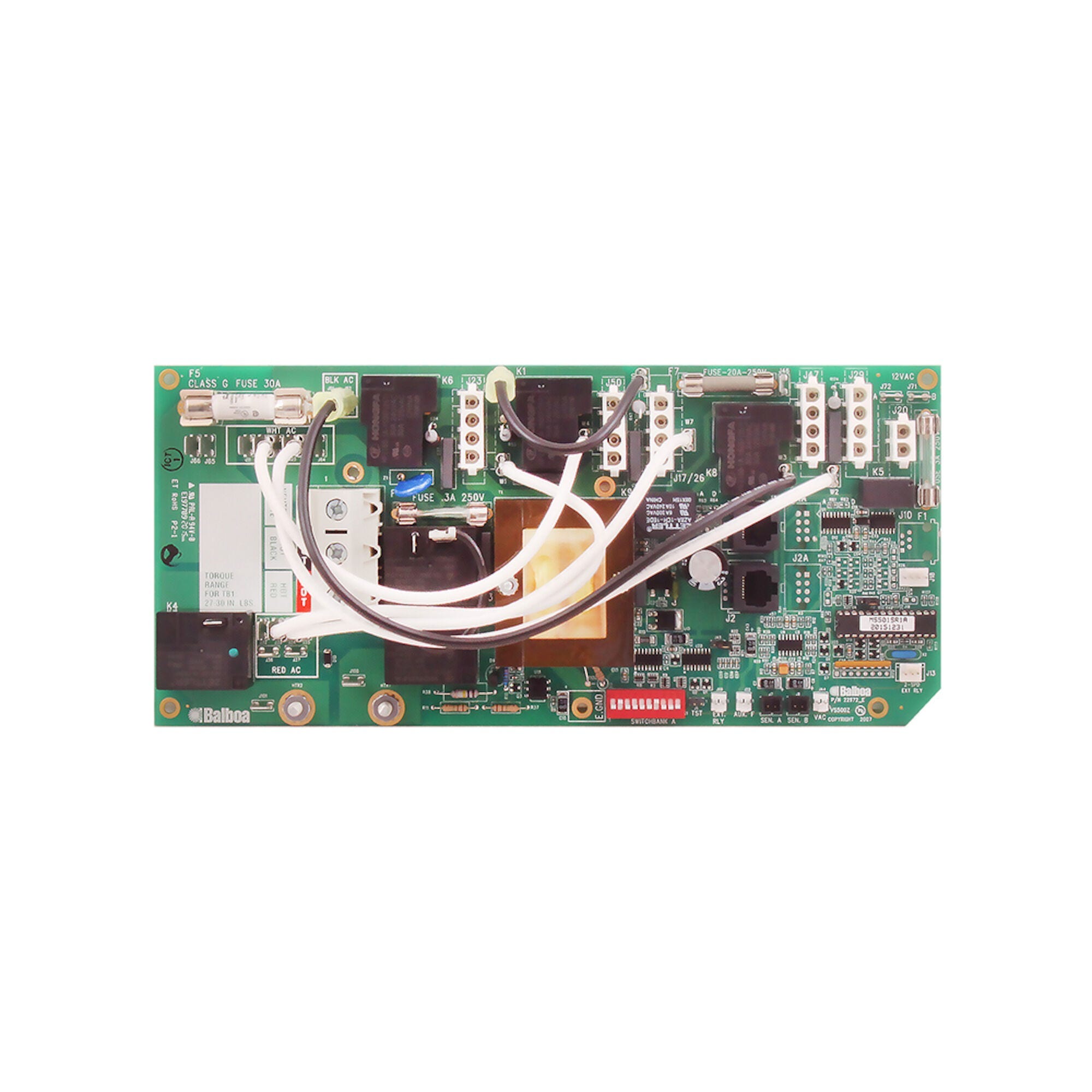
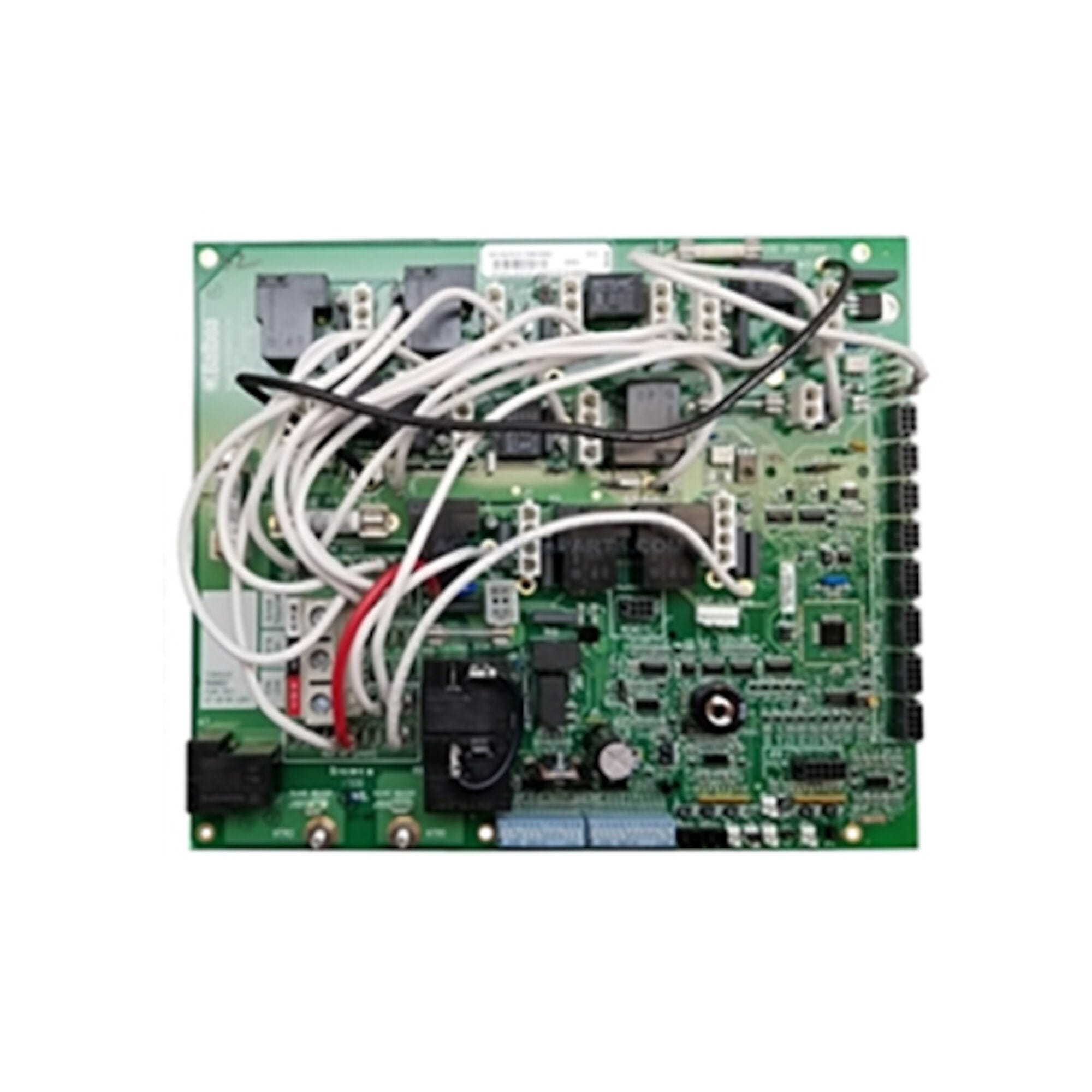
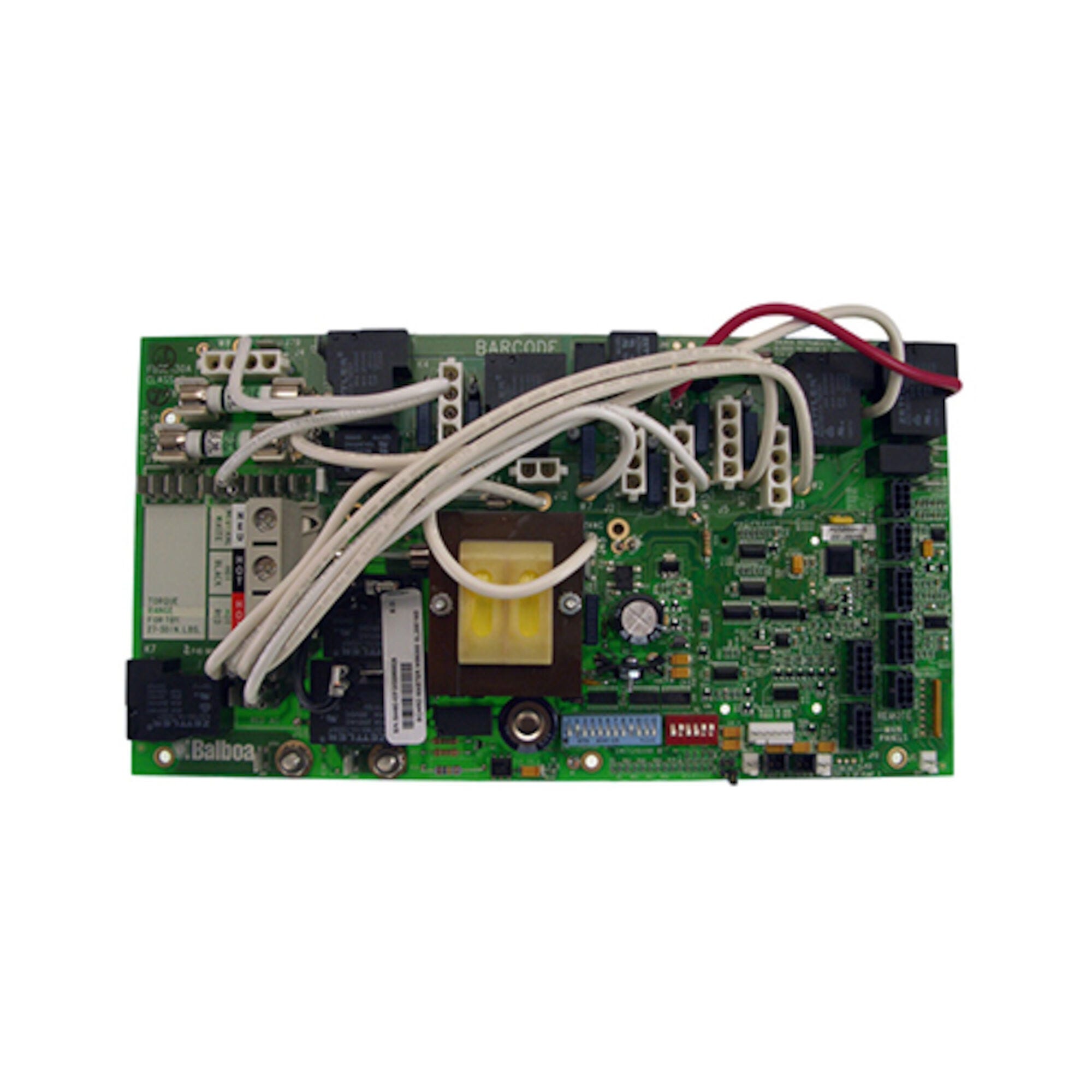
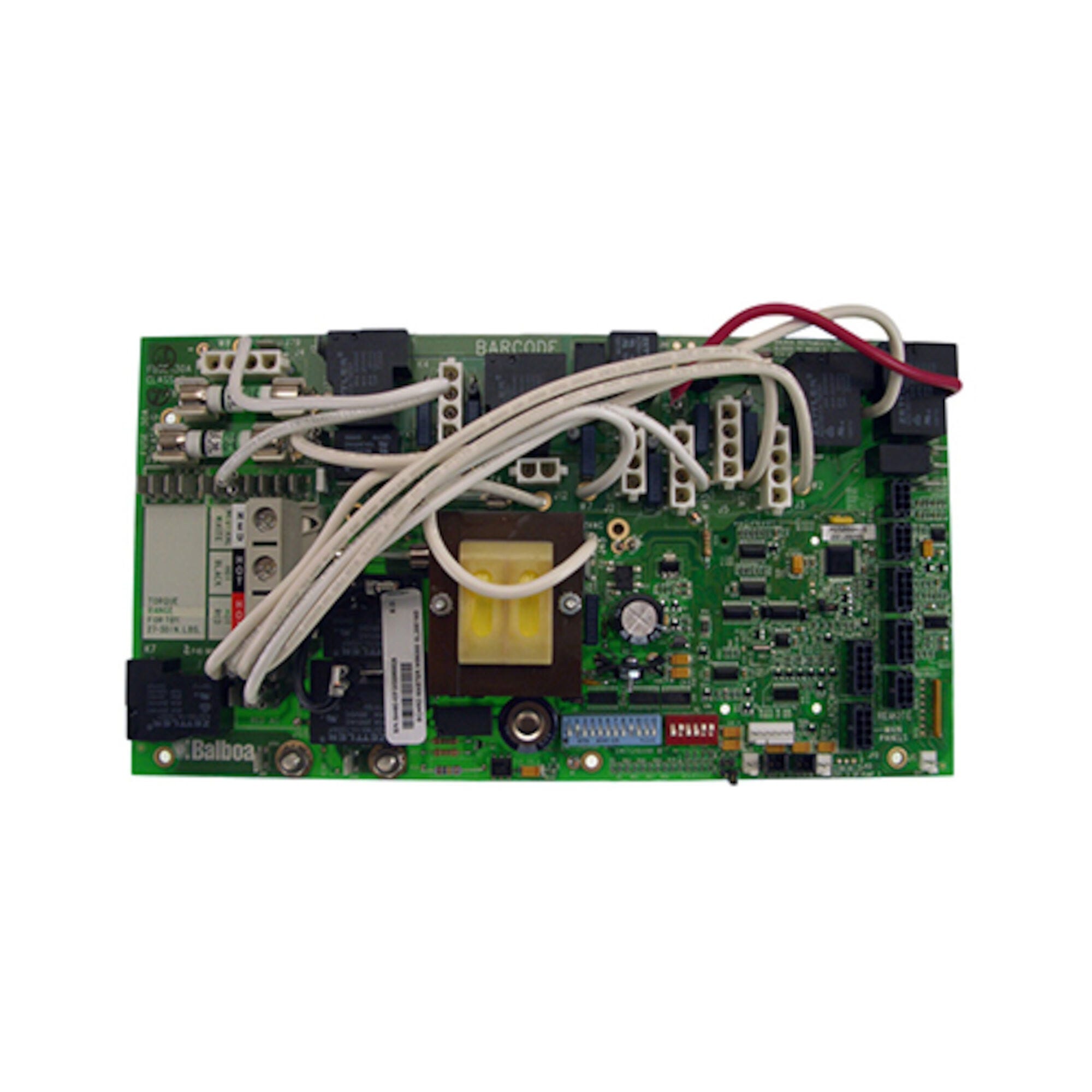
Master Spas® MS5000 Legend Series Replacement Circuit Board — X801095 — Balboa® 54492 — EL2001 M3
$620.12
Circuit Board, Master Spa, MS5000, Legacy Series, ’06-current
| Returns | 30-day returns – see our returns policy |
3 in stock
Fast dispatch
Order in
--:--:--
for shipping today
⚙️ Master Spas® MS5000 Legend Series Replacement Circuit Board — X801095 — Balboa® 54492 — EL2001 M3
Genuine OEM replacement circuit board for Master Spas® Legend Series MS5000 systems — 2006–2011 models starting with spa serial number M607645 — Molex style connector.
⚠️ IMPORTANT — PLEASE READ BEFORE ORDERING
- Chip number and serial number verification required. The chip designation for this board is MS5000 (full revision: MS5000R1(x)). You should find MS5000 or Balboa part number 54492 printed on your existing circuit board. Additionally, this board applies to Legend Series spas starting with serial number M607645 (beginning with LSX 1050 STS, 2006+).
- Loose jumper in packaging — important. When you receive this board, you may find a loose jumper inside the packaging. This jumper belongs in J8 — it connects from J3 to J8. Confirm this jumper is correctly seated at J8 before powering up the system.
- Companion daughter board (if applicable). The MS5000 system uses a separate external PCB (daughter board) in some configurations. If your system includes an external daughter board, that board is X801105 (V/N 53544). It is sold separately. Check your system before ordering.
- DIP switch and voltage configuration required. This board is not plug-and-play. Correct voltage setup, component wire positioning, and DIP switch settings must be applied. Refer to the wiring schematic on the back of the spa pack cover.
- Non-returnable. All electronics sales are final. Confirm chip number and compatibility before ordering.
📋 Product Overview
The Master Spas® X801095 is the OEM replacement circuit board for the MS5000 control system, which is based on the Balboa EL2001 M3 platform. The Balboa Water Group part numbers are 54492 (board PCB) and 54491 (control box). This board was used in Legend Series Master Spas from 2006 through 2011, starting with spa serial number M607645 (LSX 1050 STS). The board uses a Molex style plug connector.
You should find MS5000 or Balboa part number 54492 printed on your existing circuit board. A companion external daughter board (X801105, V/N 53544) is used on some 2006 systems alongside the main X801095 board.
✨ Key Features
✅ Genuine OEM replacement circuit board — Balboa EL2001 M3 for Master Spas® Legend Series
✅ Master Spa Part Number: X801095 (also: MASX801095)
✅ Balboa Board Number: 54492 | Control box: 54491
✅ Chip: MS5000 / MS5000R1(x)
✅ Platform: EL2001 series M3
✅ Connector: Molex style
✅ For Legend Series Master Spas 2006–2011 — starting S/N M607645
✅ Compatible companion board: X801105 (daughter board — sold separately if needed)
✅ Factory-new — never installed
✅ Manufacturer’s warranty included
🔧 Technical Specifications
| Specification | Value |
|---|---|
| Master Spa Part Number | X801095 (also: MASX801095) |
| Balboa Board Number | 54492 |
| Control Box Number | 54491 |
| Alternate Balboa PN | 54491 (also referenced for this system) |
| Chip Designation | MS5000 / MS5000R1(x) / MS5000R(x) |
| Platform | EL2001 series M3 |
| Connector | Molex style |
| Starting Serial Number | M607645 (LSX 1050 STS, 2006+) |
| Compatible Years | 2006 – 2011 |
| Companion External PCB | X801105 (V/N 53544) — sold separately if applicable |
| Board Type | New — genuine OEM |
| Returns | Non-returnable (all electronics final sale) |
| Warranty | Manufacturer’s warranty |
⚠️ For voltage, amperage, heater output, pump configuration, and breaker specifications, refer to the wiring diagram on the back of your spa pack cover.
⚠️ Jumper Placement — Important Installation Note
When opening the packaging, you may find a loose jumper included separately. This is not a packing error.
The jumper belongs in J8, connecting from J3 to J8. Ensure this jumper is correctly seated at position J8 on the board before powering up the system. Incorrect jumper placement can cause improper system operation.
🔗 Compatibility Guide
Compatible Legend Series Master Spas Models — 2006–2011:
This board applies to Legend Series spas starting with spa serial number M607645 (beginning with LSX 1050 STS).
| Model |
|---|
| LS 700 |
| LS 750 |
| LS 750 FST |
| LS 750 STS |
| LS 800 |
| LS 850 |
| LS 800 STS |
| LS2X |
| LS2X FST |
| LS2X STS |
| LSX |
| LSX 700 |
| LSX 800 |
| LSX 800 STS |
| LSX 850 |
| LSX 850 STS |
| LSX 1050 |
| LSX 1050 FST |
| LSX 1050 STS |
⚠️ The serial number qualifier is critical. This board applies to spas starting at serial number M607645. Models with earlier serial numbers may use a different board. Always verify the chip number (MS5000 or MS5000R1(x)) on your existing board before ordering.
How to Confirm Compatibility:
- Locate the chip sticker or printed Balboa number on your existing board — confirm it reads MS5000 or Balboa 54492
- Confirm your spa’s serial number begins with M607645 or higher
- Confirm your spa is in the model list above (2006–2011 Legend Series)
- Confirm a Molex style connector is on the board
Replaces These Part Numbers:
| Part / Chip Number | Notes |
|---|---|
| X801095 | Master Spa PN — this board |
| MASX801095 | Alternate Master Spa PN format |
| 54492 | Balboa board PN |
| 54491 | Balboa control box PN |
| MS5000R1(x) | Full chip revision designation |
ℹ️ Companion Daughter Board — X801105
The MS5000 system uses an external daughter board on some 2006 configurations:
| Part Number | Description |
|---|---|
| X801105 | MS5000 Daughter Board / External PCB, V/N 53544 — 2006 Legend Series |
This companion daughter board is for models including LS 700, LS 750, LS 750 FST, LS 800, LS 850, LS2X, LS2X FST, LSX, LSX 1050, LSX 1050 FST, LSX 700 (2006). The X801105 is sold separately. Contact Parts4Tubs to confirm whether your system requires this additional board.
🛠️ Installation Requirements
Pre-Installation Checklist:
- [ ] Confirm chip reads MS5000 or Balboa number 54492 on existing board
- [ ] Confirm spa serial number starts at M607645 or later
- [ ] Confirm Molex style connector
- [ ] Check whether system also uses a daughter board (X801105)
- [ ] Obtain wiring schematic from back of spa pack cover before starting
- [ ] Photograph all wiring and DIP switch positions before removal
- [ ] Disconnect all power at GFCI breaker or service disconnect
- [ ] Allow capacitors to discharge before handling
- [ ] After receiving board: locate loose jumper and seat it correctly at J8 (J3 to J8)
Electrical Requirements:
| Requirement | Specification |
|---|---|
| GFCI | Class A GFCI required — NEC Article 680 |
| Ground & Bonding | Required — NEC Article 680 |
| Dedicated Circuit | Required |
| Disconnect Box | Within line of sight of spa, at least 5 ft away |
| Voltage | Refer to spa pack wiring diagram and rating label |
| Wire Type | Copper conductors only |
⚠️ Safety Warnings
- ⚠️ ALWAYS disconnect all power before circuit board work
- ⚠️ Licensed electrician installation required; NEC Article 680 compliance mandatory
- ⚠️ GFCI required; grounding and bonding required per NEC Article 680
- ⚠️ Do not order based on appearance — confirm MS5000 chip or Balboa 54492
- ⚠️ Serial number check required — board is for spas starting at serial M607645
- ⚠️ Seat the loose jumper at J8 (J3 to J8) before powering up
- ⚠️ DIP switch and voltage configuration required — refer to wiring schematic on spa pack cover
- ⚠️ Damage from incorrect installation is NOT covered under warranty
❓ Frequently Asked Questions
Q: There is a loose jumper in my package — is this correct? A: Yes. The jumper belongs in J8, connecting from J3 to J8. It is correct to receive it loose in the packaging. Seat the jumper correctly at J8 before powering up the system. Failure to install the jumper correctly may cause improper operation.
Q: How do I identify if this is the correct board for my spa? A: Look on your existing circuit board for the chip designation MS5000 or Balboa number 54492 — these are typically on a sticker or printed directly on the board. Also confirm your spa’s serial number starts at M607645 or later, and that the model is on the 2006–2011 Legend Series list above.
Q: My spa is from 2006 — do I also need the daughter board X801105? A: Some 2006 Legend Series models use an external companion daughter board (X801105, V/N 53544) alongside this main board. Check whether your system has an external PCB alongside the main board. If it does, you may need to replace the X801105 as well. Contact Parts4Tubs for guidance.
Q: What is the EL2001 M3 platform? A: The EL2001 M3 is Balboa’s Elite Series control platform, representing their higher-tier spa control architecture compared to the VS-Series. The MS5000 chip on the X801095 is Master Spas’ OEM designation for the EL2001 M3 board manufactured by Balboa for their Legend Series spas.
Q: What warranty is included? A: Manufacturer’s warranty (Master Spas / Balboa).
✅ Why Choose the Master Spas® X801095 (Balboa® 54492)
✅ Genuine OEM replacement circuit board — Balboa EL2001 M3 for Master Spas Legend Series
✅ MS5000 / MS5000R1(x) chip — correct for 2006–2011 Legend Series starting S/N M607645
✅ Molex connector — direct match for 54491 control box
✅ 19 confirmed Legend Series models — LS, LSX, and STS variants
✅ Factory-new — never installed
✅ Manufacturer’s warranty included
🤝 Why Buy from Parts4Tubs
✅ Fast US shipping
✅ Chip number, serial number, and compatibility verification available
✅ Companion daughter board X801105 available if needed
✅ Competitive pricing
🔌 Summary
The Master Spas® X801095 (Balboa® 54492, control box 54491, chip MS5000R1(x)) is the OEM replacement circuit board for the MS5000 EL2001 M3 control system used in Legend Series Master Spas from 2006 through 2011, starting with spa serial number M607645. Compatible with 19 confirmed Legend Series models including LS 700 through LSX 1050 STS variants. Uses a Molex style connector. After receiving, seat the loose jumper at J8 (connecting J3 to J8) before powering up. A companion external PCB (X801105) may also be required for some 2006 systems — sold separately. Non-returnable; manufacturer’s warranty included.
Finding and identifying a replacement Hot Tub Circuit Board (PCB)
If you are looking to replace a failed PCB on your Hot Tub’s spa pack, then quite often identifying the part that you need can be the hardest thing.
Firstly, you are looking for a model number on the actual circuit board itself. Having the model or serial of your hot tub is not going to help at this point, you need to find the number on the PCB itself.
Now, with certain brands of PCB, the number of the replacement PCB that you need is not going to match identically the one you are replacing. Why is that I hear you ask?
Well, normally, it is an updated version. This means that it might have updated firmware on the PCB or be a later revision. Normally, this means that the part number would be slightly different. This is usually indicated with a “12345678 -x” at the end of that part number where x indicated a firmware revision.
In some cases, there will be some following letters on the part number of the circuit board, “12345678 -x MAS” this can indicate that the PCB was used for an OEM meaning it was produced for a certain hot tub manufacturer and the letters identify the manufacturer.
This means if you source an original PCB, it will not have the letters, but will in most cases work just fine.
It can be confusing I know!
What if you can’t find a model number?
If you can’t find a model number on the PCB itself, then you need to look for a model number on the spa pack. Normally, there is a sticker on the outside of the spa pack that tells you the current ratings and input voltages etc and this will have a model number.
In general, most spa packs in the USA are manufactured by Balboa, Hydro-Quip, ACC or Gecko. I know I am generalising here, but if you have a spa pack that has the brand of your hot tub on, it will be an OEM so the key is identifying who made the original box.
From there, you can normally find an original PCB that you will be able to switch out.
For example, the Balboa VS (value series) is a very popular spa pack that has been used by multiple hot tub manufacturers under their own brand names. Whatever they have called it, strip it back and it is still a Balboa VS.
Visual Inspection
One of the most important things you can do when you are looking for a replacement is to visually inspect the PCB that you have versus the picture online of the replacement you are considering. They need to look the same even if there are the differences in firmware revisions or OEM part numbers, you should be visually replacing a PCB that looks like the one you have.
Configuring a replacement Hot Tub Circuit Board (PCB)
When you get a new PCB, you are more than likely going to need to configure it. Most PCBs have a number of different modes and setups that the can operate in. For this, you will need to manual or spec sheet to guide you.
For things like DIP switches, most of the time you can copy the settings from your original circuit board. You are looking for things like setting the voltage as a lot of PCBs can be configured to run on both 115V and 230V.
You may need to move jumpers or even wires to configure voltages – the key here is that you read the schematic and don’t expect the PCB to just work out of the box – it usually doesn’t.
Troubleshooting a Hot Tub Circuit Board (PCB)
Here are some common things you will see when you replace a PCB on a hot tub.
You press the buttons on the topside control and they don’t control the right parts (pumps or blower etc) – this is a mode configuration thing and you will either need to change some DIP switches on the PCB or an internal or low level programming mode on the topside control. Check the manual for how to do this.
You turn on the hot tub and it trips the breaker – it is not common for a new PCB to fail out of the box (I have not seen one yet!) However, a common mistake is that the voltage has not been set correctly. If it is set for 115V and then you try and turn it on, the current draw will be a lot more (twice) than expected and the breaker will trip.
To check this, unplug all of your kit – heater, pumps, blower and then turn on the PCB. If it trips with nothing plugged in, usually the voltage is incorrectly set and what is happening is that live current is being sent to the ground – because you have 4 wires into the PCB rather than 3. Current on the ground loop causes the trip. Check the settings to make sure it is configures for 230V.
It might not trip until you physically turn on a pump or a blower. As mentioned, if the pack is set to 115V and your pump is meant for 230V, it will draw twice the current at half the voltage and trip your breaker. Check the manual for info on how to set the voltage.
| Brand | Master Spa |
|---|